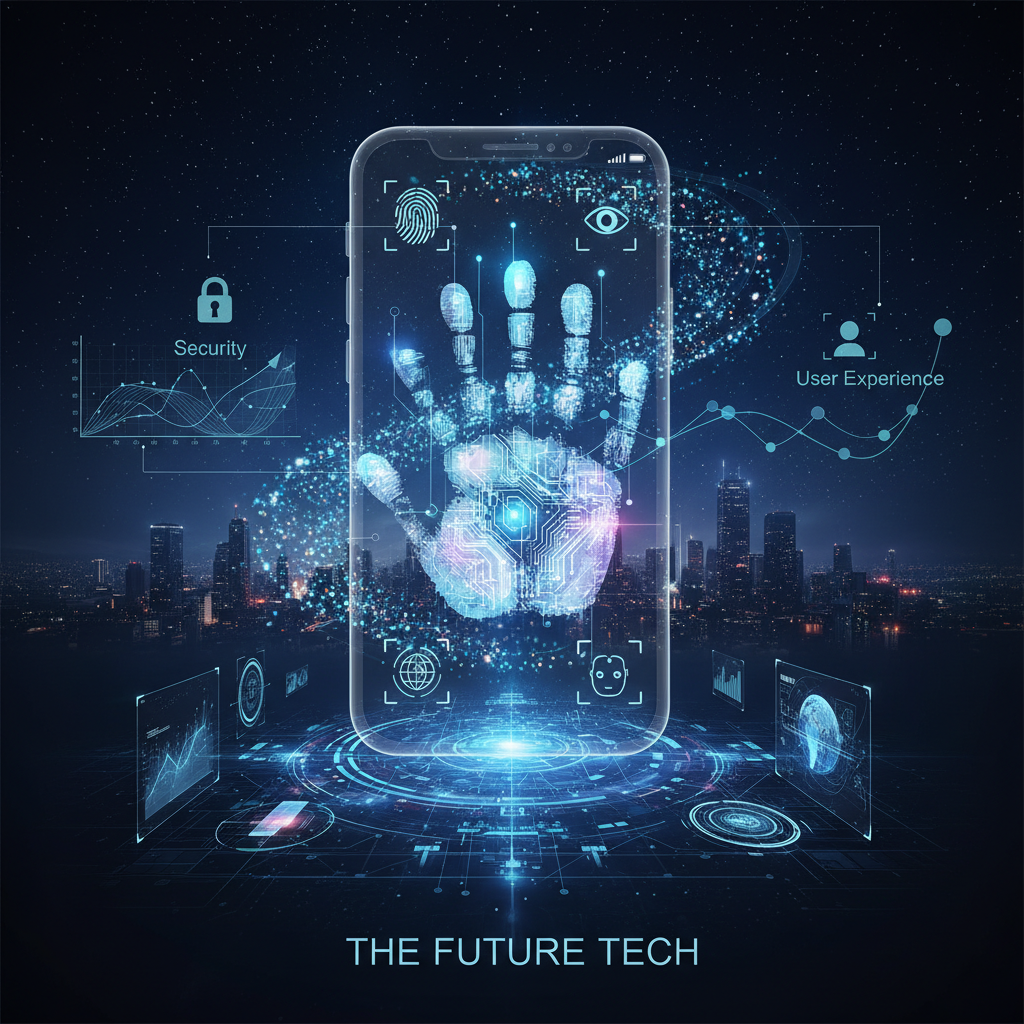
# Biometric Authentication Trends in Mobile Apps: Security, User Experience, and The Future
In today's digitized world, mobile applications have become an integral part of our daily lives. The security and user experience of these apps, which we use for everything from financial transactions to social media, are more critical than ever. It is at this point that biometric authentication is redefining mobile security with innovations ranging from fingerprint readers to facial recognition. While offering a seamless experience for users, it also creates groundbreaking opportunities and responsibilities for developers.
Diversity and Evolution in Biometric Modalities
Biometric authentication is a technology that allows users to verify their identity using their unique physical or behavioral characteristics. This field, once limited to fingerprint sensors (e.g., Touch ID), has significantly expanded today with advanced facial recognition systems like Face ID and Android's BiometricPrompt API. New modalities such as iris scanning and even behavioral biometrics (like gait analysis, keystroke dynamics) are also rapidly gaining traction. This diversity offers more flexible authentication options based on user preferences and security requirements, while also increasing resistance against cyberattacks.
Innovations in Security & Privacy Protocols
Given the sensitivity of biometric data, the security and privacy of this information are paramount. Modern mobile operating systems and hardware have taken significant steps in this regard. Hardware-based security solutions like Apple's Secure Enclave or Android's Trusted Execution Environment (TEE) store biometric data in a separate, encrypted environment away from the device, preventing unauthorized access. Furthermore, standards set by the FIDO Alliance and financial regulations like PSD2/SCA provide a framework across the industry, enhancing the security and interoperability of biometric authentication. Companies complying with these standards fulfill their legal obligations and reinforce user trust.
Cross-Platform Integration and User Experience
For mobile app developers, integrating biometric authentication has become much easier than in the past. Popular cross-platform development frameworks like Flutter and React Native offer access to native biometric APIs through packages such as `local_auth` or `@react-native-community/local-authentication`. This allows developers to provide secure and seamless biometric authentication on both iOS and Android devices with a single codebase. However, to ensure the best user experience, design principles such as when and how to use biometric authentication, how to manage error messages, and how to offer fallback authentication methods (PIN, password) are crucial.
Biometric Authentication Example with Flutter
The following Flutter code simply demonstrates how to perform biometric authentication using the `local_auth` package. This example checks for the availability of biometric features and then prompts the user to authenticate with their fingerprint or face:
import 'package:flutter/material.dart';
import 'package:local_auth/local_auth.dart';
import 'package:flutter/services.dart';
void main() => runApp(const MyApp());
class MyApp extends StatelessWidget { const MyApp({super.key});
@override Widget build(BuildContext context) { return MaterialApp( title: 'Biometric Authentication Demo', theme: ThemeData(primarySwatch: Colors.blue), home: const BiometricAuthScreen(), ); } }
class BiometricAuthScreen extends StatefulWidget { const BiometricAuthScreen({super.key});
@override State<BiometricAuthScreen> createState() => _BiometricAuthScreenState(); }
class _BiometricAuthScreenState extends State<BiometricAuthScreen> { final LocalAuthentication _localAuth = LocalAuthentication(); bool _canCheckBiometrics = false; List<BiometricType> _availableBiometrics = []; String _authorized = 'Not Authorized';
@override void initState() { super.initState(); _checkBiometrics(); _getAvailableBiometrics(); }
Future<void> _checkBiometrics() async { bool canCheckBiometricsResult; try { canCheckBiometricsResult = await _localAuth.canCheckBiometrics; } on PlatformException catch (e) { canCheckBiometricsResult = false; print(e); } if (!mounted) return; setState(() { _canCheckBiometrics = canCheckBiometricsResult; }); }
Future<void> _getAvailableBiometrics() async { List<BiometricType> availableBiometricsResult; try { availableBiometricsResult = await _localAuth.getAvailableBiometrics(); } on PlatformException catch (e) { availableBiometricsResult = <BiometricType>[]; print(e); } if (!mounted) return; setState(() { _availableBiometrics = availableBiometricsResult; }); }
Future<void> _authenticate() async { bool authenticated = false; try { authenticated = await _localAuth.authenticate( localizedReason: 'Please authenticate using your fingerprint or face to proceed.', options: const AuthenticationOptions( stickyAuth: true, biometricOnly: true, ), ); } on PlatformException catch (e) { print(e); } if (!mounted) return; setState(() { _authorized = authenticated ? 'Authorized' : 'Not Authorized'; if (authenticated) { print('User successfully authenticated.'); } else { print('Authentication failed.'); } }); }
  @override
  Widget build(BuildContext context) {
    return Scaffold(
      appBar: AppBar(
        title: const Text('Biometric Authentication'),
      ),
      body: Center(
        child: Column(
          mainAxisAlignment: MainAxisAlignment.center,
          children: <Widget>[
            Text('Can check biometrics: $_canCheckBiometrics'),
            Text('Available biometric types: $_availableBiometrics'),
            Text('Authorization status: $_authorized'),
            const SizedBox(height: 20),
            ElevatedButton(
              onPressed: _canCheckBiometrics ? _authenticate : null,
              child: const Text('Authenticate with Biometrics'),
            ),
          ],
        ),
      ),
    );
  }
}
The Future of Biometric Authentication: AI and Continuous Verification
Advances in biometric authentication are accelerating even further with Artificial Intelligence (AI) and Machine Learning (ML). These technologies are enhancing the precision of authentication systems while also providing the ability to analyze behavioral biometrics more effectively. In the future, systems capable of "continuous authentication" by constantly monitoring user behavior within an application (e.g., typing speed, device grip, navigation patterns) will become more common. This means that security will be continuously maintained in the background, without users needing to actively authenticate each time.
Partner with Us for Your Next Project
Are you looking to integrate the latest biometric authentication technologies into your mobile app projects and offer your users a secure, fast, and seamless experience? Our company, with over 10 years of expertise in mobile security, AI integration, and cross-platform development, is ready to provide tailored solutions. Contact us to take your projects to the next level and enhance your competitive edge in the industry. Let's build your secure future together!